The most interesting news for video editors is Vlo 0.3, a free, open source editor that sends pieces of the timeline straight to ComfyUI. Meanwhile, ComfyUI has integrated the Qwen-Image 2.1 ControlNet Union into the official code, and the community is delivering two tools that speak the language of motion designers: AnyAngle, to change the framing starting from Blender, and LanPaint 2.2, to retouch transparency too.
In short
- Vlo 0.3: a local, open source video editor with a real-time bridge to any ComfyUI workflow.
- ComfyUI: the Qwen-Image 2.1 ControlNet Union is now supported in the main code, for now only in the development branch.
- AnyAngle: a LoRA for Qwen-Image 2.1 that moves an image's "camera" using a Blender render as a guide.
- LanPaint 2.2: inpainting for Qwen-Image 2.1 that also edits the alpha channel of transparent PNGs.
- 360 Orbit LoRA: 360° camera orbits with MiniMax H3, but the license excludes the EU.
- Claude Sonnet 5.5 came out on September 28, and OpenAI's DevDay took place on September 29.
Vlo 0.3: a video editor that talks to ComfyUI
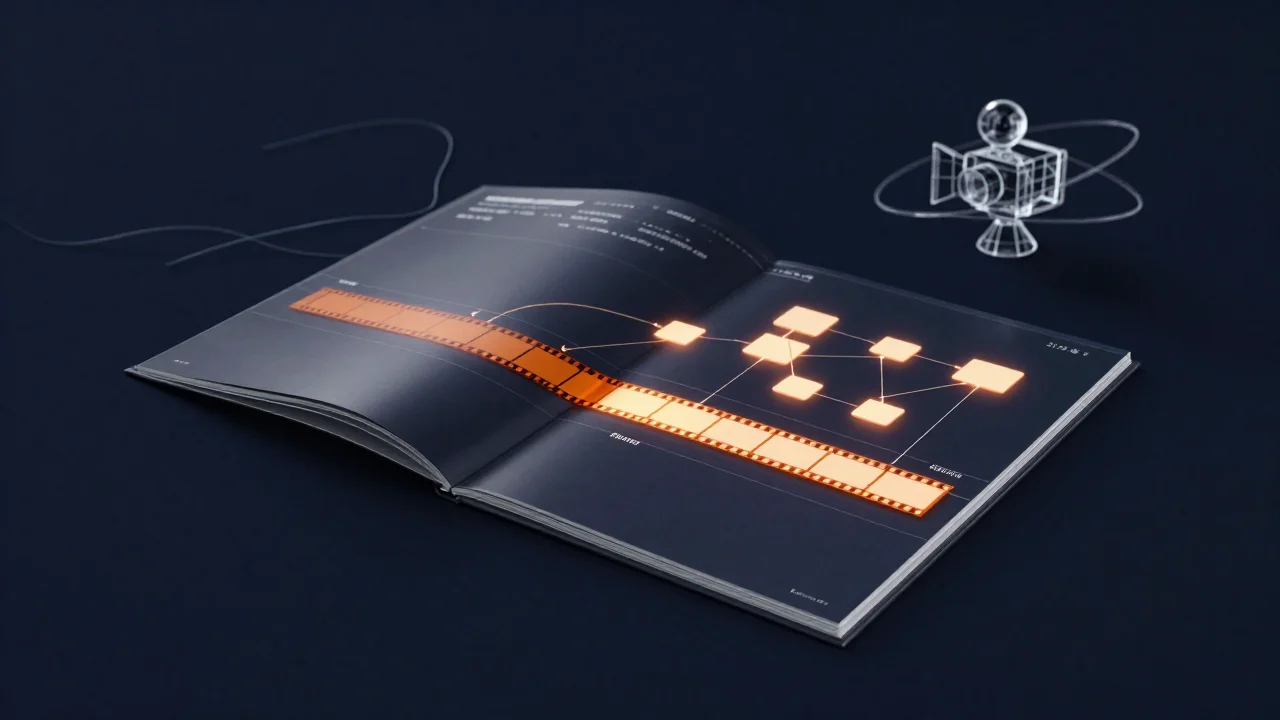
On September 28, Vlo version 0.3.0 came out: a free video editor that runs locally, under the open source AGPL 3.0 license. The idea is simple and, for people who work like us, very practical: you select a stretch of the timeline, Vlo sends frames and masks to a ComfyUI workflow and returns the result into your edit. There are no "closed" AI features: you can use any workflow, and the program automatically adapts the image format to what the model expects.
Version 0.3 also adds a lot on the classic editing side: compound clips and nested timelines, adjustment clips, color correction, transitions like dissolve and slide, audio stem separation (voice, music and so on) and a new rendering engine that uses the same "plan" for preview and export, so what you see is what you export. There's also an SDK for extensions. It runs on Windows, macOS and Linux, but inside a Chromium-based browser (Chrome or Edge); to install it you only need Git, and the installer downloads the rest. The official repository explains every step.
Our take. It's the right direction: today our AI video work is made of constant exports and imports between ComfyUI and the editing software, and a direct bridge removes exactly that friction. But it's a young project (previous versions were "pre-release" and 0.4 is already planned): we see it as a lab for experimenting, not yet as a replacement for Premiere or DaVinci Resolve on a job with a deadline. Also remember that if ComfyUI and Vlo run on the same PC, VRAM usage is decided by the model you launch from ComfyUI, not by the editor.
ComfyUI: the Qwen-Image 2.1 ControlNet Union enters the official code
On September 24, Alibaba PAI released the ControlNet Union for Qwen-Image 2.1: a single file of about 7 GB with eight controls (Canny, depth, pose, sketch and others) plus inpainting. Native support in ComfyUI was missing: on September 28, kijai's change that adds it was merged, with a new node to apply these "Fun" ControlNets (it works for Z-Image too) and the option to decide during which part of the generation the control should act. Keeping it active only in the first steps, for example, locks the composition and leaves the model more freedom on the details.
Other changes went in during the same round: a new quantization format called w6a8 (6-bit weights, 8-bit activations), an optimization of SeedVR2, the video upscaler, and a more responsive interface when ComfyUI scans folders full of files. Heads up: this is the development branch, not a stable release (the latest is still 0.37.2 from September 23). If you only use stable releases, you'll have to wait for the next one; the reviewer of the w6a8 format himself notes that, for now, some models in that format might not work.
Why it matters to you. With the ControlNet you can make Qwen-Image 2.1 respect the composition of a Blender or Cinema 4D render, by exporting its depth pass or a pose. If you want to see it in action before updating, the video "Qwen Image 2.1 Finally Has ControlNet: Pose, Depth and Inpainting Tested" from the ComfyUI Workflow Blog channel tests pose, depth and inpainting. Remember that the base model has the Qwen Research License: read it before any commercial use.
AnyAngle: change the framing with Blender and Qwen-Image 2.1
AnyAngle is a LoRA for the editing feature of Qwen-Image 2.1, released on September 28 under the Apache 2.0 license. It solves a problem storyboard artists know well: you have an image you like, but you need the same scene from another point of view. The method is hybrid and, because of that, controllable: you derive a Gaussian splat or a 3D model from the image, open it in Blender, place the camera where you need it and render; then Qwen-Image 2.1 with the LoRA "transfers" that new angle onto the original image, keeping its style. The recommended settings are strength 1.0, CFG 3.0 and at least 20 steps.
Our take. We like it because it puts the camera back in the hands of people who know how to move it, instead of hoping the "top view" prompt works. The author is honest about the limits: if the starting 3D model is inaccurate, objects get misaligned and faces get distorted. The LoRA's license is permissive, but the Qwen base model's license still applies.
LanPaint 2.2: inpainting for Qwen-Image 2.1, transparency included
LanPaint is a ComfyUI node (GPL 3.0 license) that does inpainting and outpainting with any model, without dedicated checkpoints: instead of "patching" the mask, it makes the model "think" several times at each step. Version 2.2.0, released on September 28, adds Qwen-Image 2.1, for both generation and editing, and fixes a bug with MiniMax H3. The most useful part for graphic work: Qwen-Image 2.1 produces transparent PNGs, and LanPaint now works under a mask while preserving transparency, so a retouched element can change its silhouette too, not just its colors.
The price is time: with the recommended value of 5 iterations per step, sampling is about 5 times slower than normal, up to 10 for difficult cases. On a card like our RTX 3060 it's better to do low-resolution tests before the final pass.
360 Orbit: the camera orbit for MiniMax H3 (but not in Europe)
On the video side, Pablo Dawson released the 360 Orbit LoRA for MiniMax H3 on September 27, in the first-and-last-frame version: from a single photo it generates a full camera orbit around a still subject, about 3 seconds at 768×768, and by using the same image at the start and end you get a seamless loop. It was trained on just 28 clips of people, so with other subjects it's all to be discovered. Above all, the MiniMax H3 Community license applies, and it excludes the European Union: in Italy we can't recommend it.
From the big players: Claude Sonnet 5.5 and OpenAI's DevDay
On September 28, Anthropic launched Claude Sonnet 5.5: according to the company it's over 30% faster than Sonnet 5, costs up to 30% less per task and is better at understanding images and preparing documents and presentations. For a creative it doesn't generate images, but it can help with briefs, scripts and quotes. On September 29, at 7:00 PM Italian time, the OpenAI DevDay keynote was scheduled instead, streamed for free: no product was confirmed in advance, so we're not giving credit to rumors. You'll find the announcements in the next update.
Try it now
If you already have Qwen-Image 2.1 in ComfyUI, try LanPaint on a transparent PNG: install it from ComfyUI-Manager by searching for "LanPaint", restart ComfyUI and load one of the repository examples dedicated to Qwen-Image 2.1 editing with a mask. Start with 5 iterations per step and a small image; when the mask does what you want, raise the resolution. For editing ideas, the video "Qwen Image 2.1 in ComfyUI: 5 Editing Tricks I Tested" from ComfyUI Workflow Blog is a good summary.
To understand where Qwen-Image 2.1 sits compared to the others, read our guide to AI image models in ComfyUI; for video there's the one on AI video models in ComfyUI. If you're starting from scratch, begin with the ComfyUI beginner's guide, and to choose the right card read the article on graphics cards for AI.
That's all for now. Download our free workflows from the ComfyUI section and follow us on the YouTube channel @tutorial3d: see you at the next update with the latest AI news.