Kuaishou introduced Kling Image 4.0 on November 17, and the promise is a big one: native 8K images, up to 2,000 characters of readable text in a single image, and series of 10 images with the same characters. That same evening ComfyUI added the nodes to use it, already in the stable 0.45.6 release. So if you make storyboards, website mockups or product shots, you can try it without a Kling subscription: you pay per image, with ComfyUI credits.
Where do we stand? We almost always work locally, on an RTX 3060 with 12 GB, and Kling Image 4.0 can't run locally: the weights aren't public. Still, we know the online route has real advantages, and a consistent series of 10 images for a storyboard is exactly the kind of job where local models still make us sweat. We haven't tried it yet. Here we lay out what is confirmed, what each image really costs (we read the prices in the node code) and what the announcement leaves out.
| What it is | A model for generating and editing images, with consistent series and long images for web and e-commerce pages |
| Who made it | Kling AI, the AI division of Kuaishou (China) |
| VRAM required | none: it runs on Kling's servers |
| Does it run on an RTX 3060 12 GB? | not locally; in ComfyUI you use it as an online node, so any PC will do |
| License | closed model, weights not downloadable |
| Commercial use from Italy | not stated in the announcement: check Kling's and Comfy's terms before using it for a client |
| Where to try it | Kling AI Creative Studio, Kling's API, ComfyUI partner nodes from 0.45.6 |
| Free or paid | paid: in ComfyUI from about $0.09 (2K) to $0.22 (8K) per image |
What is Kling Image 4.0 and what changes from version 3.0?
Kling Image 4.0 is Kling's new image model, released after Kling 4.0 for video. According to the official press release, these are the new features:
- output up to native 8K, meaning generated directly at that resolution instead of being enlarged afterwards with an upscaler;
- text up to 2,000 characters in a single image, with text and fonts editable after generation and more than 70 ready-made fonts;
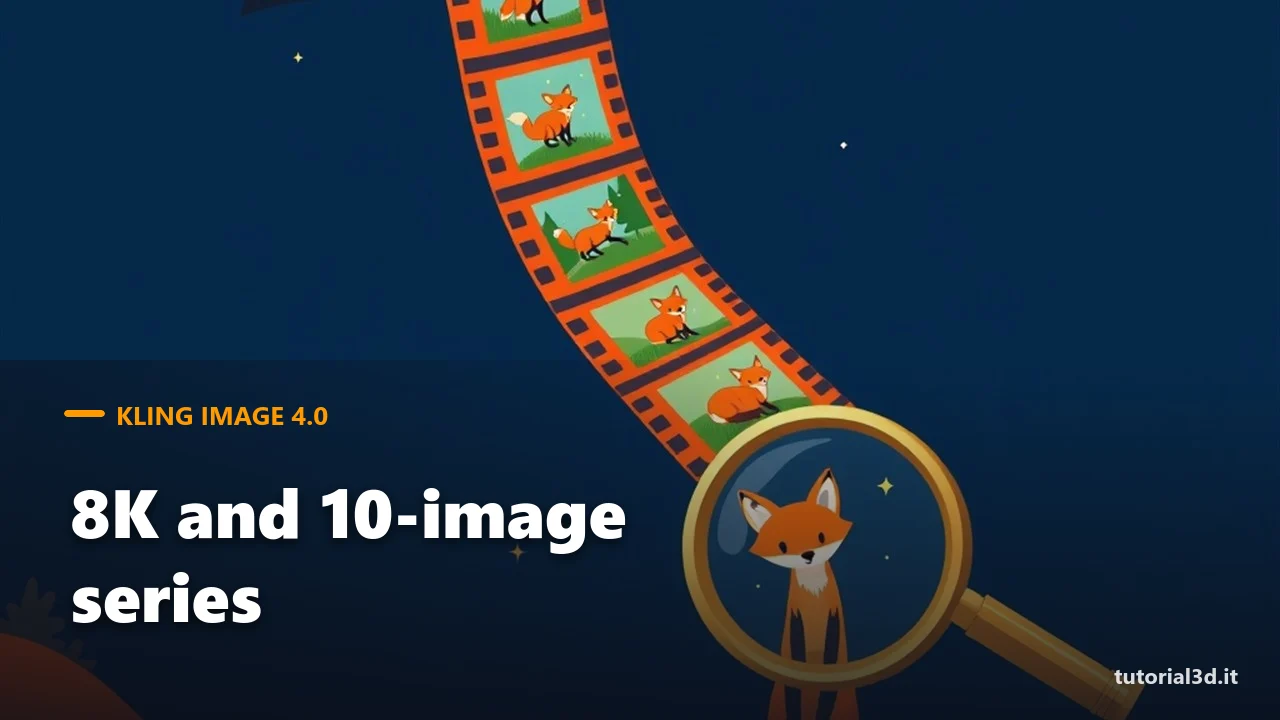
- series of up to 10 images from one prompt, with the same style and subject but different framing;
- long images for product pages and websites, with text and images on separate layers;
- more varied groups of people (faces, body types, ages) and a more photographic look.
Kling says it's the first to do native 8K, and the Artificial Analysis leaderboard puts the "Preview" version at the top for text-to-image and image editing. These are the company's figures: as of November 18 there were no independent tests. One detail matters to us: the supported languages for text inside the image are English, Spanish, Portuguese, Japanese, Korean and Chinese. Italian is not on the list, so those 2,000 characters in Italian, with accents and apostrophes, still need to be tested.
How do you use Kling Image 4.0 in ComfyUI?
You use the "Kling 4.0 Image" partner node, added to the ComfyUI code on November 17 with this change and already included in version 0.45.6. Partner nodes call an external service: Kling generates the image on its servers, not your graphics card, and the cost comes out of the credits on your Comfy account.
The node has few settings. In the prompt you can refer to up to 10 reference images by writing @Image1, @Image2 and so on. Resolution is 2K, 4K or 8K, and the format is auto, 1:1, 16:9, 9:16, 21:9 or the sizes in between. With "series_amount" you ask for a series of 2 to 10 images, or you leave it on "auto" and the model picks the number.
The second node, "Kling 4.0 Long Image", makes one tall vertical image. It has two modes: "webpage", for a web page mockup built from a style image and a subject image, and "ecommerce", which starts from one to three product photos and creates the classic online store detail page, short, medium or long.
How much does Kling Image 4.0 cost per image?
Kling didn't publish prices in the announcement, but the ComfyUI node shows them in its price badge. These are the values written in the code as of November 17, in dollars:
| Node and setting | Cost |
|---|---|
| Kling 4.0 Image, 2K | about $0.09 per image |
| Kling 4.0 Image, 4K | about $0.13 per image |
| Kling 4.0 Image, 8K | about $0.22 per image |
| Each reference image | +$0.004 |
| Series of 10 images in 8K | about $2.25 |
| Long Image "webpage" (1K / 2K) | about $0.79 / $0.85 |
| Long Image "ecommerce" (1K, short to long) | from $0.34 to $1.12 |
| Long Image "ecommerce" (2K, short to long) | from $0.40 to $1.23 |
Watch out for series on "auto": the cost ranges from 2 to 10 images and you only find out at the end. For tests we would always set the number ourselves. And pick 8K only when you really need it, for a large print or a tight crop: for the web, 2K costs less than half.
Is Kling Image 4.0 worth it compared to a local model?
For single images, we'd say no. With a local model like Z-Image Turbo, which we covered in the article on Z-Image Turbo in ComfyUI in a single step, an RTX 3060 with 12 GB generates hundreds of images and you pay nothing beyond electricity. If you want large images locally, there's also P-H3 Image, which reaches 8 megapixels in 8 steps. The full list is in our guide to AI image models in ComfyUI.
Things change for two jobs. The first is the consistent series: 10 storyboard panels with the same character take a LoRA locally (a small file that "teaches" the model a subject) or a lot of attempts. The second is long text inside the image, for mockups and product pages, if you work in English or Spanish. There, 2 or 3 dollars for a test can be worth the time saved. Our full reasoning on when to go online is in the article AI images: local or online?
Try it now: a storyboard series
- Update ComfyUI to at least 0.45.6 and restart it.
- Sign in with your Comfy account and make sure you have credits: without them, partner nodes won't run.
- Double-click the canvas, search for "Kling 4.0 Image" and connect its output to a Save Image node.
- Connect a photo or drawing of the character as the first reference image and call it in the prompt with @Image1.
- Choose 2K, 16:9 format and series_amount set to 4: that's about $0.36.
- In the prompt, describe the four scenes in order, one sentence per scene, and run it.
If the character stays the same across the four images, then it's worth moving up to 10 or to a higher resolution. If it changes face by the second one, you've spent a few cents to find out. If you've never opened ComfyUI, start with our beginner's guide to ComfyUI; for the video side from the same company, see our article on Kling 4.0 for everyone.
Other news
- HeyGen Avatar 6 (November 17): the same 0.45.6 release brings two paid partner nodes that make a person or character talk, starting from a photo or a video, with the audio you connect. The details are in the change on GitHub.
- Generate Text with Qwen3-1.7B (November 17): the node that writes text inside ComfyUI now also works with a Qwen3-1.7B file, including versions fine-tuned with a LoRA, as it already did with the 4B and 8B models. It's a small model, good for enriching prompts on 12 GB cards. For now it's only in the development version (change).
Frequently asked questions
Can Kling Image 4.0 be downloaded and used locally?
No. Kling Image 4.0 is a closed model: the weights aren't public and there's no file to put in ComfyUI's models folder. You can only use it online, from Kling's website, through its API or with the ComfyUI partner node, which sends the request to Kling's servers and gives you back the image.
What does native 8K mean?
It means the image is generated directly at that resolution, without going through an upscaler that enlarges it afterwards and invents the details. In theory the detail holds up better in crops and large prints. It's Kling's claim: as of November 18, no independent test had verified it yet.
Does Kling Image 4.0 write Italian text well?
We don't know. The press release lists English, Japanese, Korean, Spanish, Portuguese and Chinese for text in images, and Italian isn't there. Accented letters could come out wrong. Before using it for an Italian flyer or product page, run a test at 2K, which costs about 9 cents.
What are ComfyUI partner nodes?
They are official nodes that connect ComfyUI to paid models from other companies, such as Kling, HeyGen or Bria. External servers do the work, so you don't need a powerful graphics card. You pay with the credits on your Comfy account, and each node shows a price badge before you run it.
On our YouTube channel @tutorial3d you'll find videos with free workflows to download.