
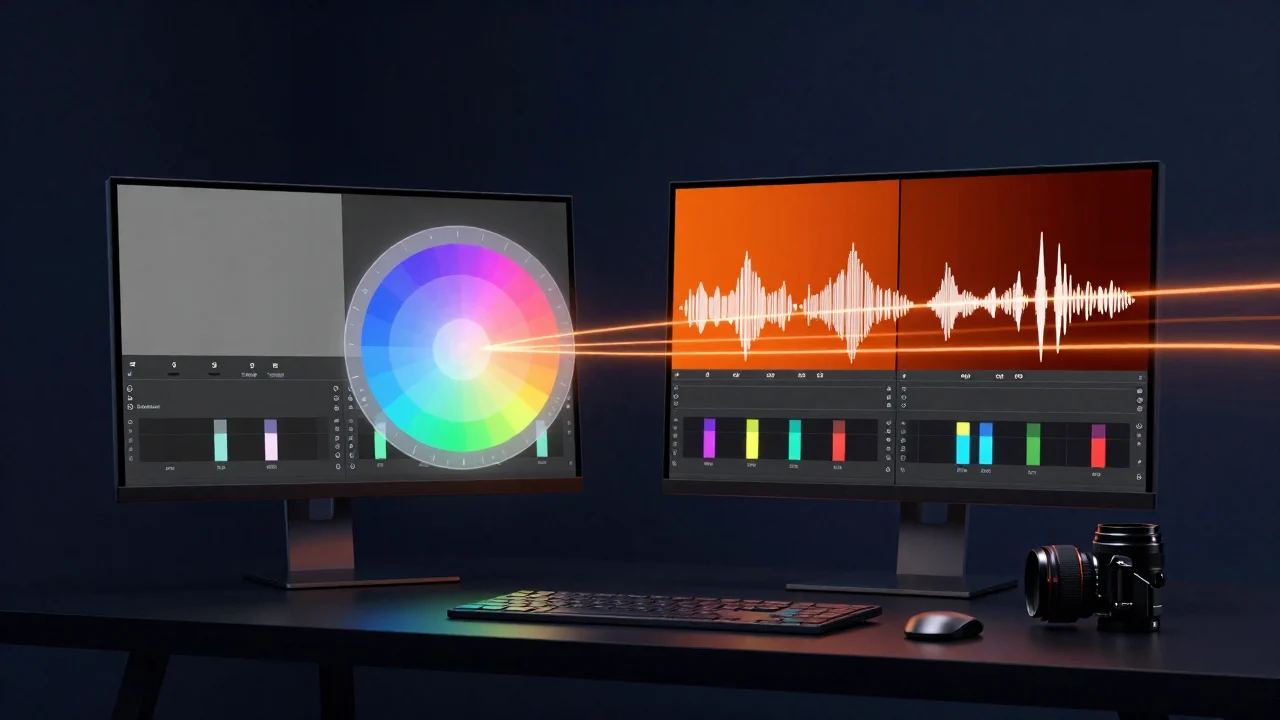
This time the most interesting news isn't new models, but tools to work better. ComfyUI learns to read and write cinema color spaces (ARRI LogC3 and ACEScct), Seedance 2.5 introduces a draft mode so you don't waste credits on the wrong videos, and a LoRA arrives to swap an actor with MiniMax H3, although its license excludes Italy. Here's what changes for creators.
In brief
- ComfyUI and cinema color: the Convert Color Space node now handles ARRI LogC3 and ACEScct (for now only in the development version).
- Seedance 2.5 Draft: first a 480p draft, then the final 1080p video with the same scene and the same motion.
- MiniMax H3 Character Swap: a LoRA to replace a person in a video, but the MiniMax H3 license doesn't cover the European Union.
- Qwen-Image 2.1: an official 4-step LoRA, a VAE that removes checkerboard artifacts and a pose editor with a 3D mannequin.
- In the ComfyUI code: support for ID-V2V for Wan 2.1 and for Ming-Image, plus the Seedream 5.0 Flash partner node.
ComfyUI speaks the language of cinema: LogC3 and ACEScct
On September 25 a change was merged into the ComfyUI code that adds two professional color spaces to the Convert Image Color Space node: HDR LogC3, the logarithmic curve of ARRI cameras, and HDR ACEScct, the ACES working space used for color grading. The conversion works in both directions, going through linear values in Rec.2020. On the same day a fix also arrived for negative values in HDR conversions.
Why it matters to you: if you shoot in LogC3 or work in an ACES pipeline across DaVinci Resolve, Nuke or After Effects, until now you had to convert your footage before feeding it to the AI and then convert it back. With these nodes you can do it inside the workflow, without leaving ComfyUI.
What we think: it's an important signal: ComfyUI is becoming a real post-production tool and not just an image generator. Two caveats. First: the feature is in the development branch (master), not yet in a stable release (the latest is 0.37.2 from September 23, as you can see in the official changelog). Second: the code review points out that LogC3 values are clamped between 0 and 1, so you may lose some detail below black. For delicate work it's best to keep your files in linear EXR until the very end.
Seedance 2.5 Draft: draft first, then the real video
Also on September 25, ComfyUI added the draft mode for Seedance 2.5, ByteDance's video model available as a partner node. It works in two stages: the Text to Video, First-Last-Frame to Video and Reference to Video nodes generate a 480p draft; if you like it, the new Draft to Final Video node turns it into the final 1080p video, keeping scene, motion, prompt, references, duration, format and audio. The draft stays usable for 7 days.
Why it matters to you: with AI video the real cost is the failed attempts. Checking composition and motion at low resolution first and paying for 1080p only for the approved version is exactly how we work in motion graphics: quick preview, final render only at the end.
What we think: useful, but remember it's an online service: you need a comfy.org account, the computation happens on ByteDance's servers and you pay for the draft too (like a normal 480p render). A practical tip: set the draft node's seed to "fixed", otherwise ComfyUI will generate a new draft on the next run. If you want to save even more, you can explore the idea for free locally with Wan and use Seedance only when you know what you want.
MiniMax H3 Character Swap: swap the actor, but not in Europe
Akatz Labs has released MiniMax H3 Character Swap LoRA on Hugging Face: you start from a video and a reference image, and the LoRA replaces a person with the reference character while leaving the scene, camera movement, objects and other people unchanged. The file is 148 MB, you use it at strength 1.0 in a ComfyUI Ref2VA workflow, and it works best on continuous 4–5 second shots at 24 fps. The authors admit its limits: long clips, close-up expressions, multiple characters and audio aren't reliable yet.
The license problem: the LoRA inherits the MiniMax H3 Community License, which excludes the European Union from the licensed territory, along with the United Kingdom, South Korea and the United States, as Tech Times also explains. In practice, using the weights locally from Italy requires a separate authorization from MiniMax; the online API, on the other hand, remains available.
What we think: technically it's impressive, and the videos by Patrick Sheedy and Noncoder show well how character swapping with H3 works in ComfyUI. But for an Italian professional the license is a concrete obstacle, and there's also the question of consent: replacing a real person in a video always requires the permission of whoever appears in it. Training was done on a 32 GB card: on a 12 GB RTX 3060 you'd have to rely on the quantized versions of H3 (int8, fp8, nvfp4), and we haven't checked yet how practical that is. For now we're watching it, not using it.
Qwen-Image 2.1: four add-ons in four days
After the ControlNet and Turbo LoRA we covered on September 26, the Qwen-Image 2.1 ecosystem keeps growing:
- Fun Acc LoRA (Alibaba PAI): the "official" 4-step version, for generating and editing images. The team itself warns that text becomes less legible and edits a bit blurrier and darker. In ComfyUI there's only an experimental branch by Kijai for now. Qwen Research license.
- Texture-Fix-VAE (madebyollin): a refined decoder that removes "checkerboard" artifacts in photographic textures. You load it in place of the normal VAE, without changing the workflow. Research license, non-commercial.
- Faster previews: on September 27 ComfyUI added support for the "tiny VAE" of Qwen-Image 2.1, handy for watching the image take shape during generation.
- Fisher Pose: a node pack (MIT license) with a 3D mannequin and 209 OpenPose skeletons to re-pose a character or rotate the camera around 1–3 subjects. It requires the VNCCS PoseStudio LoRA; the camera instructions are in Chinese.
What we think: it's a sign that Qwen-Image 2.1 is becoming the new "go-to" model for open images. Watch the licenses though: many of these tools are research-only. For a paid job, check every piece of the workflow, not just the base model.
In the ComfyUI code: ID-V2V, Ming-Image and Seedream 5.0 Flash
Among the other changes merged in the last few days, in the ComfyUI change log we'd point out:
- ID-V2V (September 27): support for a Kijai model based on Wan 2.1 that combines VACE with image-to-video, designed to transform a video while keeping the subject's identity. The weights are already on Hugging Face in an int8 version.
- Ming-Image (September 24): a clarification on our previous update. Native support for the poster and interface model has already been merged into the development branch; it will arrive with the next stable release.
- Seedream 5.0 Flash (September 24): a new ByteDance partner node for images, also a paid one.
What we think: if you use the portable version of ComfyUI, you'll get these features with the next stable update. Switching to the development branch just to try them makes sense on a test install, not on the one you work with every day.
Try it now
If you use Qwen-Image 2.1 for personal research or moodboards, download the Texture-Fix-VAE (file texture_fix_vae_for_qwen_image_2.1_bf16.safetensors), put it in ComfyUI/models/vae/ and select it in the Load VAE node instead of the original VAE. Regenerate the same image with the same seed and compare the details at 100%: according to the author the difference shows mostly on skin, fabrics and photographic surfaces. Just remember the license doesn't allow commercial use.
To pick the right model for your graphics card, start with our guides to AI image models and AI video models in ComfyUI. If you're weighing services like Seedance, read our comparison AI video: local or online? If ComfyUI is new to you, there's the ComfyUI beginner's guide; to figure out how much VRAM you need, read our article on graphics cards for AI.
That's all for now. Download our free workflows from the ComfyUI section and follow us on the YouTube channel @tutorial3d: see you at the next update with more AI news.