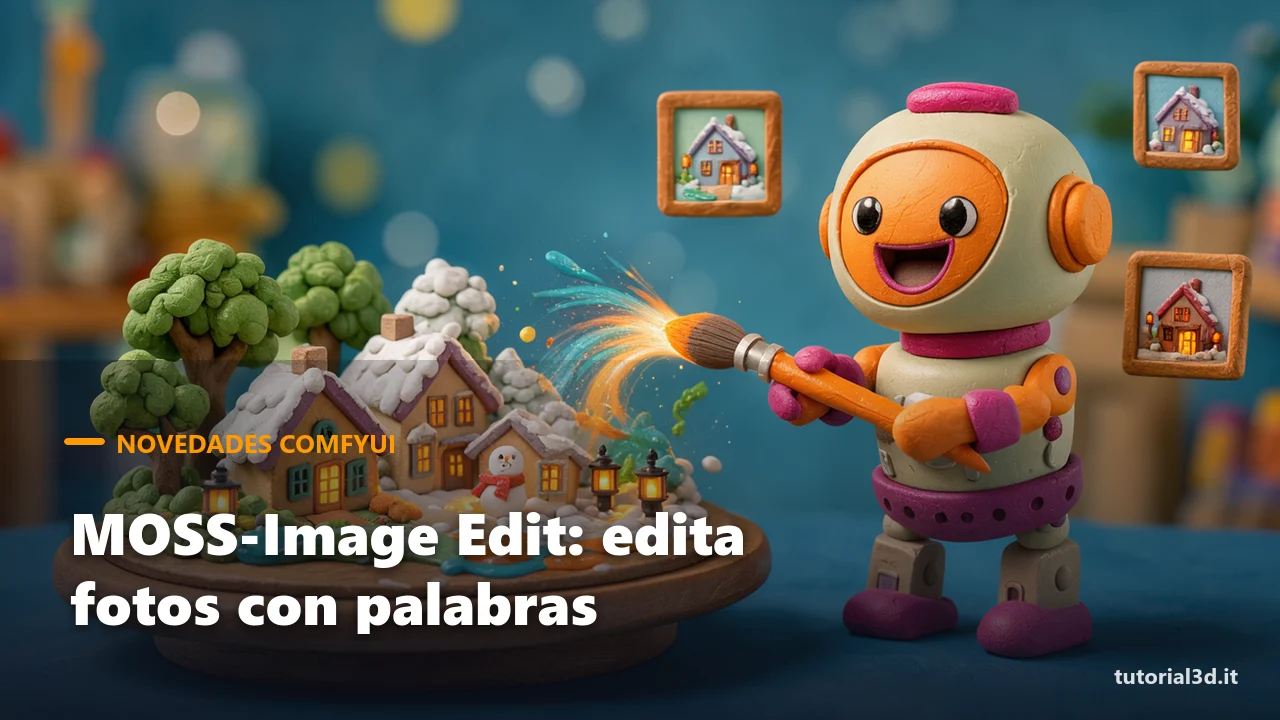
MOSS-Image Edit is the first ready-to-use LoRA that turns MOSS-Image into an image editor driven by words, and on October 22 native support in ComfyUI arrived too. Write "make the scene wintry" or "dress the person in image 1 in the outfit from image 2", and the model repaints the photo while keeping its structure. Anyone who does graphic design knows how much time goes into a color variant, a different light, a seasonal version of the same visual: that repetitive work is exactly what these tools promise to cut down.
Here's how we see it. We work with ComfyUI on a perfectly ordinary 12 GB RTX 3060 with 32 GB of RAM, and with every new release we ask ourselves three questions: does it run on a card like this, is it free, can I use it for a real job? For MOSS-Image Edit the answers are encouraging, but with a couple of "buts" we should tell you right away: it's a community project, not from the creators of MOSS-Image, and the quality of multi-image editing still needs to be assessed. Here we lay out what it does, what to download and how to try it without wasting an afternoon.
Quick facts
| What it is | A LoRA (a small 297 MB add-on file that "teaches" the model a new task) that turns MOSS-Image into an image editor with text instructions, with up to 4 reference images |
| Who made it | User chinoll, with nodes from the Chenkin-x project; support in the ComfyUI core added by Kijai. It's not an official OpenMOSS release |
| Video memory required | Not stated. The node author tested it on an 8 GB RTX 4060 Laptop with the INT8 versions of the model and text encoder |
| Does it run on a 12 GB RTX 3060? | Not explicitly stated, but if it runs on 8 GB with the INT8 files, it's reasonable to expect so |
| License | Node and project code: GPL-3.0. LoRA weights: no specific license stated. MOSS-Image base model: Apache 2.0 |
| Commercial use from Italy | The Apache 2.0 base allows it; the LoRA lacks an explicit weights license, so for client work it's best to wait for clarification |
| Where to download/try it | Hugging Face (chinoll/Moss-Image-Edit), nodes and workflows on GitHub (Chenkin-x), or the native node in the latest ComfyUI version |
| Free or paid | Free, runs locally |
What is MOSS-Image Edit and what can it do?
MOSS-Image Edit is an image editing LoRA trained on top of MOSS-Image, the 5-billion-parameter model released in mid-October (we covered it in our overview of AI image models in ComfyUI). You give it a photo and a written instruction, and it returns the edited photo. You'll find it on chinoll's Hugging Face page.
According to the author, these are the tasks where it performs best:
- Colors: changing the hue of an object, a garment, a wall.
- Clothing: dressing a subject in a garment taken from another image.
- Light and seasons: from day to evening, from summer to winter.
- Visual style and expressions: giving the same scene a different "look".
Just as important is what it does not promise: the model card doesn't document inserting new objects into the scene, doesn't publish comparative tests and says nothing about composing two different subjects into a single image. So think of it as a tool for variants and retouching, not a replacement for bigger editing models like Qwen-Image or FLUX 3 Klein.
How do you use MOSS-Image Edit in ComfyUI?
There are two routes: ComfyUI's native node or the author's node pack, and to get started we recommend the latter because it comes with ready-made workflows. On October 22 Kijai's change (PR #17296) was merged into the core, adding the experimental node Text Encode MOSS-Image Edit: there you just pick "Moss-Image-Edit" in the edit_format menu and connect the reference images. It arrived after version 0.42.1, so you need to update ComfyUI to the latest available version.
The ComfyUI-Moss-Image-Edit pack, on the other hand, brings the Apply MOSS Edit node and three workflows: single-image editing (the one recommended to start with), comparison with the Base model and multi-image editing. It has been verified on ComfyUI 0.42.3. On Windows there's an install.cmd file that only checks the installation: it doesn't install packages and doesn't touch the core.
A note on how to write instructions: with multiple images the model can't tell on its own which photo is the subject and which is the reference, so you have to say it in the text. The author's example is clear: "Dress the person in image 1 in the outfit from image 2". It's best to write instructions in English, the language used in the examples.
How much VRAM does MOSS-Image Edit need?
There's no official figure, but the node author ran it on an 8 GB RTX 4060 Laptop, using the INT8 files of both the model and the text encoder. VRAM is the graphics card's memory: when the files don't fit, ComfyUI moves part of the work to RAM and everything slows down. INT8 means the weights are stored with 8-bit numbers instead of 16: they take up about half the space, with a small loss in quality.
Here are the files to download from the Comfy-Org MOSS-Image repository, plus chinoll's LoRA:
| File | ComfyUI folder | Size |
|---|---|---|
| MOSS-Image SFT (int8 recommended with 8–12 GB) | models/diffusion_models | 5.41 GB (int8) · 10.16 GB (bf16) |
| Qwen3.5-9B text encoder | models/text_encoders | 9.75 GB (int8) · 7.34 GB (w4a8) |
| FLUX.2 VAE | models/vae | 0.34 GB |
| MOSS-Image Edit LoRA (adapter_model.safetensors) | models/model_patches (Chenkin-x pack) | 297 MB |
The text encoder is the component that "reads" the text and translates it for the model: it's the heaviest file. The VAE converts the image to and from the compressed space the model works in. If memory isn't enough, the author suggests two tricks: generating at 0.25 megapixels (about 512×512) and running the text encoder on the CPU from the Load CLIP node. Keep in mind that each extra reference image adds memory and time. To understand how much the graphics card matters in these cases, you'll find a comparison in our guide to the best GPUs for generative AI.
Good news for speed: Kijai's change computes the references only once instead of at every step. In his tests, at 1024×1024 with a 1-megapixel reference, each step dropped from 826 to 457 milliseconds.
Can MOSS-Image Edit be used for work?
For now the honest answer is "probably yes, but not with certainty yet". The MOSS-Image base model is released under the Apache 2.0 license, which allows commercial use, from Italy too. The node and project code is GPL-3.0, a free license that covers the software, not the images you generate. The open question is the LoRA weights: there's no dedicated license label on the Hugging Face page.
For experimenting, testing styles or preparing drafts for a client, we don't see any problems. For a delivered job with your name on it, though, we'd wait for the author to clarify the weights license. If you'd rather play it safe, you can also train your own editing LoRA with ostris's AI-Toolkit: you'll find the updates in our ComfyUI section.
Try it now
- Update ComfyUI and check that the official MOSS-Image workflow (text→image) works: if that one doesn't, editing won't either. If you're starting from scratch, our ComfyUI beginner's guide gets you this far.
- Download the four files from the table: with 12 GB choose the SFT int8 model and the w4a8 or int8 text encoder.
- Install the pack by cloning ComfyUI-Moss-Image-Edit into custom_nodes, run install.cmd and restart.
- Import the single-image workflow and start from the author's settings: about 1 megapixel, Euler sampler, 30 steps, CFG 4, denoise 1, maximum reference side 512.
- Try a simple instruction, for example "make it a snowy winter evening" on an outdoor photo. Only then move on to two images, naming them in the text ("image 1", "image 2").
We haven't found any video tutorials on the Edit version yet, since it's only just come out. For running MOSS-Image with little memory, "MOSS-Image-SFT: GGUFs+w4a8 | LOW VRAM Workflow" from the REBEL AI channel is useful.
Other news
- MiniMax H3 in 4 or 8 steps: on October 20 and 22 Taobao Content AI published the PTD LoRAs that speed up reference-to-video generation with audio. With the base included, though, we're talking about roughly 140 GB of files: stuff for professional cards. The ComfyUI-PTD-Compact pack adapts them to pruned and quantized bases. MiniMax H3 license, which excludes the European Union.
- ComfyUI 0.42.3 and 0.42.4 (October 21 and 22): according to the official changelog, they bring the paid nodes HeyGen Voice 1.0 (voice cloning), VEED for lipsync and video background removal, Mirelo SFX 2.0 for sound effects and the "ultra" mode of Krea 3 Image.
Frequently asked questions
Is MOSS-Image Edit official?
No. It's a community project by chinoll, built on top of OpenMOSS's MOSS-Image models. Support in the ComfyUI core, on the other hand, was added by Kijai and merged by the ComfyUI developers on October 22. That's why it's worth following the project page: updates and clarifications will come from there.
Can I use the LoRA with MOSS-Image Base instead of SFT?
Yes, the LoRA is compatible with both, but the author's examples were trained and generated with SFT, which is the cleaner starting point. The Base workflow exists mainly for comparison and, according to the author, its quality still needs to be assessed.
How many reference images can I use?
Up to four. In the text you have to explain the role of each one ("image 1", "image 2"…), because the LoRA doesn't figure it out by itself. The author warns that multi-image editing works but its quality still needs checking: for serious work, start from a single image.
What's the difference from ostris's editing LoRAs?
Ostris's AI-Toolkit is a tool for training your own editing LoRAs, with its own node pack. Chinoll's MOSS-Image Edit is instead a ready-made LoRA to download. ComfyUI's native node supports both formats: just pick the right one in the edit_format menu.
If you want to get off on the right foot, download our free workflows from the tutorial3d.it ComfyUI section and follow us on our YouTube channel @tutorial3d: as soon as we've put it to the test on our RTX 3060, we'll show you the results.