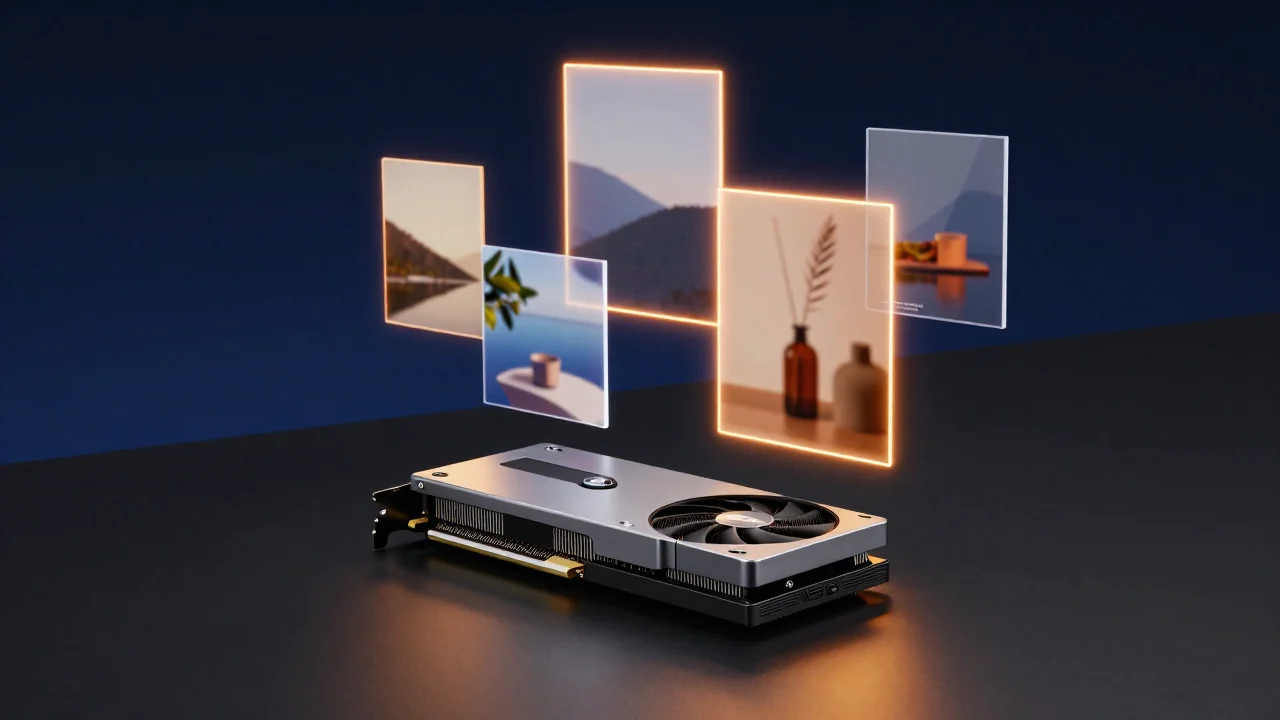
The news we've been waiting for since July: Black Forest Labs has published the weights of FLUX 3 Image Klein, a 5.6-billion-parameter model you can download and run locally. ComfyUI already supports it with the new stable release 0.41.0. On the online front there's Krea 3, built to edit images in seconds, and for MiniMax H3 there's a new LoRA to animate between a first and a last frame.
In brief
- FLUX 3 Image Klein: open weights, generation and editing with up to 10 reference images, bounding boxes and native 4K. An INT8 version built for 8 GB cards.
- ComfyUI 0.41.0: stable release with support for Klein, the H3 LightVAE, ReferenceMultiLatent and the SDR→HDR node.
- Krea 3: a new online-only editing model, native 2K, with most edits under 8 seconds.
- TaoMate-H3-FL2VA: a 3-step LoRA for MiniMax H3 that generates video and audio from a first and last frame.
- NVIDIA: RTX Spark laptops debut on October 16; the Nemotron 3.5 Super VL and Bolt models are available.
FLUX 3 Image Klein: the FLUX 3 you can download
What happened. On October 15 Black Forest Labs released FLUX 3 Image Klein with open weights. Earlier this month FLUX 3 Image had arrived only via paid API; this is its compact version, with 5.6 billion parameters. It does text-to-image and image editing, accepts up to 10 reference images, generates in native 4K and lets you draw bounding boxes to decide where to place elements or to limit an edit to one area. There are two variants: Base, meant for fine-tuning, and a faster distilled one that works in a few steps and without CFG. The weights are on Hugging Face, with access after accepting the terms.
Why it matters to you. It's all about memory. Together with NVIDIA, BFL has prepared FP8, INT8 and NVFP4 versions. In the ComfyUI repository the model weighs 11.1 GB in BF16 and about 5.8 GB in INT8. According to BFL, the INT8 version runs on GeForce RTX cards with just 8 GB of VRAM. The measurements on the Comfy blog report a 1024×1024 image in under 9 seconds on an RTX 4070 with the INT8 distilled model. For a 12 GB RTX 3060 like ours, the numbers look good on paper: we haven't tried it yet, so we'll hold off on quoting times.
The license, read it carefully. The weights use the FLUX Kommunity License: commercial use is free for individuals and companies with under $5 million in annual revenue. Above that threshold you need a separate license. So it's fine for a freelancer or a small studio, but the license specifies that this exception doesn't automatically apply to distributing modified models. The reference code, on the other hand, is Apache 2.0, like the Qwen3-VL-4B text encoder.
Our take. It's the news of the day if you work locally. The published benchmarks are BFL's own, so take them with caution; what matters most to us is that for the first time a FLUX 3 fits on a gaming card. LoRAs are arriving right away too: besides Ostris's AI Toolkit mentioned by BFL, Fizgig 8.1 already lets you train LoRA and LoKR on Klein starting from 8 GB.
ComfyUI 0.41.0: the stable release you need for Klein
What happened. On the evening of October 15 ComfyUI v0.41.0 came out. It brings into the stable release the features that in the past few days were only on the development branch: support for FLUX 3 Image Klein (with a "FLUX.3 Layout Prompt" node for bounding boxes), the MiniMax H3 LightVAE, the ReferenceMultiLatent node to connect multiple reference images, the ImageSDRToHDR node and nodes to read latent dimensions. The LoRA stack nodes stay enabled, but still need a newer frontend than the bundled one.
Why it matters to you. According to the official guide, Klein requires 0.41.0 specifically. If you use the portable version, update before opening the templates. After the release, a partner node for Krea 3, which is paid, also landed on the development branch: it's not part of 0.41.0.
Our take. This time it's worth updating, because without 0.41.0 Klein won't run. As always, before you do, save a copy of your ComfyUI folder or at least the list of your custom nodes.
Krea 3: fast editing, but online only
What happened. Krea has introduced Krea 3, a model designed mainly for editing images. It works in native 2K (there's also a 1K option), accepts up to 6 reference images plus style references, and according to Krea most edits finish in under 8 seconds. Via API it costs $0.06 per image at 2K and $0.03 at 1K. It's available on krea.ai, through their API and on services like fal, Replicate and OpenRouter.
Why it matters to you. If you do graphics for clients, editing speed matters more than a single perfect image: you swap backgrounds, products and lighting and keep series consistent. If you want to see it in action, there's the video "Krea 3 Is HERE… But I Wasn't Expecting THIS" from the smallzero channel.
Our take. Online has real advantages, and here the price per edit is low. But there are no weights, and Krea's blog doesn't mention releasing them. Klein came out the same day, and it also does editing with references and runs on our PC: for repetitive jobs we'd start there, keeping Krea 3 as a comparison.
TaoMate-H3-FL2VA: MiniMax H3 between first and last frame
What happened. Alibaba's TaoLive AIGC team has published on Hugging Face a LoRA for MiniMax H3 that generates video with audio from a first and a last frame, in just 3 steps. Their official streaming system, however, is designed for servers: Linux and an example on 8 professional GPUs. The license is MiniMax H3's (Community License).
Why it matters to you. First/last frame control is the most practical way to make transitions, morphs and product animations that end exactly where you want. According to ComfyUI Wiki, in ComfyUI you don't need the streaming system: the MiniMax H3 Image to Video node with first and last frame inputs is enough, plus a community-converted version of the LoRA.
Our take. Interesting, but H3 is still a heavy model for a 12 GB card. Before trying it we're waiting for the ComfyUI conversions to settle and for someone to publish times on consumer cards.
NVIDIA: RTX Spark laptops and new Nemotron models
On October 16 the RTX Spark laptops debut, with launch events in several cities, including Berlin; among the models mentioned is the ASUS ProArt P14. There are no official prices yet. On October 15 NVIDIA also made available Nemotron 3.5 Super VL, which reads documents, tables and charts, and Nemotron 3.5 Bolt 74B, quantized to 2 bits to fit in 24 GB. These are text and vision models, not for generating images, and Bolt doesn't fit on a 12 GB card. We mention them because Nemotron is among the models that Adobe, back in March, said it wanted to evaluate for its agent-based workflows.
Try it now: distilled Klein in INT8
If you have an 8–12 GB card, the combination to start from is the one in the official templates. Update ComfyUI to 0.41.0, accept the model terms on Hugging Face and download: flux3_image_klein_sd_int8_convrot.safetensors into models/diffusion_models, qwen3vl_4b_int8_convrot.safetensors into models/text_encoders and flux2-vae.safetensors into models/vae. Then open the image_flux3_klein_distilled_t2i template: CFG at 1, 4 to 16 steps. Leave out the prompt upsampler for now, since it's a second 9-billion-parameter model. For editing with references there's the image_flux3_klein_distilled_image_edit template, where you call up the images in the prompt with <ref_image_0>, <ref_image_1> and so on.
Learn more
If you're just getting started, begin with our beginner's guide to ComfyUI. To compare Klein with other models there's our guide to AI image models, while for video there's the one on AI video models. If you're thinking about a new graphics card, read our guide to the best GPUs for AI and our comparison of how much it costs to create with AI locally or online.
That's all for now. Download our free workflows from the ComfyUI section and follow us on our YouTube channel @tutorial3d. See you next time with more AI news.