
TUTORIAL3D.IT · THE MAGAZINE FOR DIGITAL CREATORS
AI, motion graphics and the right PC to create
Tutorials, guides and news for people who create with a computer: generative AI with ComfyUI running on your own PC, the models worth downloading (and what their licences really allow), and how to choose the right graphics card for images and video.
Written by people who work in video design every day, on a perfectly normal RTX 3060 with 12 GB. Our Italian site has hundreds of tutorials: we are translating the most useful guides first.

Where do you want to start?
Three guides to get going with local AI.
🤖 ComfyUI for beginners
What ComfyUI is, how nodes and workflows work, which files to download and where to put them.
⚙️ Install ComfyUI
Step by step on Windows: which version to download for your graphics card, the Manager and your first image.
🖥️ The right GPU for AI
How much VRAM you really need for images and video, and the graphics cards we recommend in 2026.
AI and ComfyUI
Guides to models, licences and hardware for generative AI on your own PC.
Generative Remove in Premiere: Limits, Costs and a Free Alternative

After Effects AI Assistant: What It Really Does and How Many Credits It Uses
Remove Objects from Photos in ComfyUI in 6 Steps (Pruna)
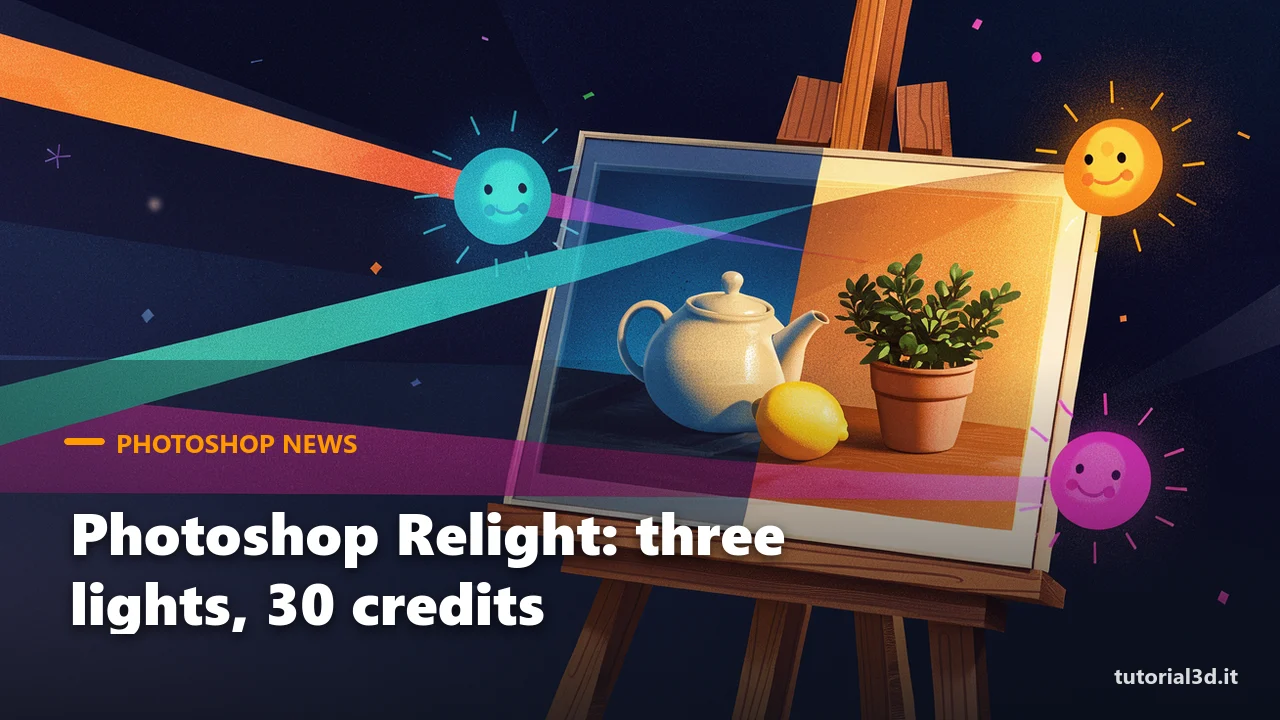
Photoshop Relight: How It Works, What It Costs and a Free Alternative
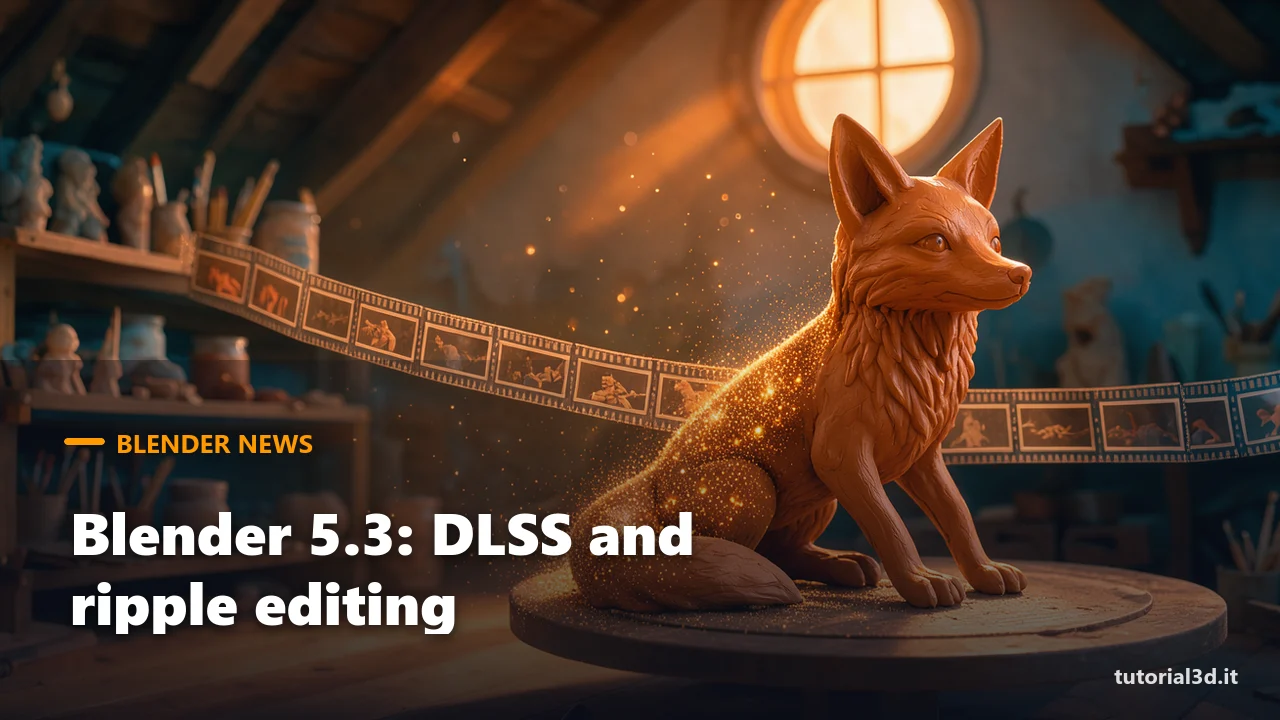
Blender 5.3: DLSS in the Viewport, Ripple Editing and Vulkan

Z-Image Turbo in ComfyUI in 1 Step: NitroFusion2 and GGUFs
Our complete guides
The reference guides, always kept up to date.
OUR YOUTUBE CHANNEL
Learn by watching
Our video tutorials are in Italian, but ComfyUI workflows speak a universal language: follow the nodes on screen step by step.