
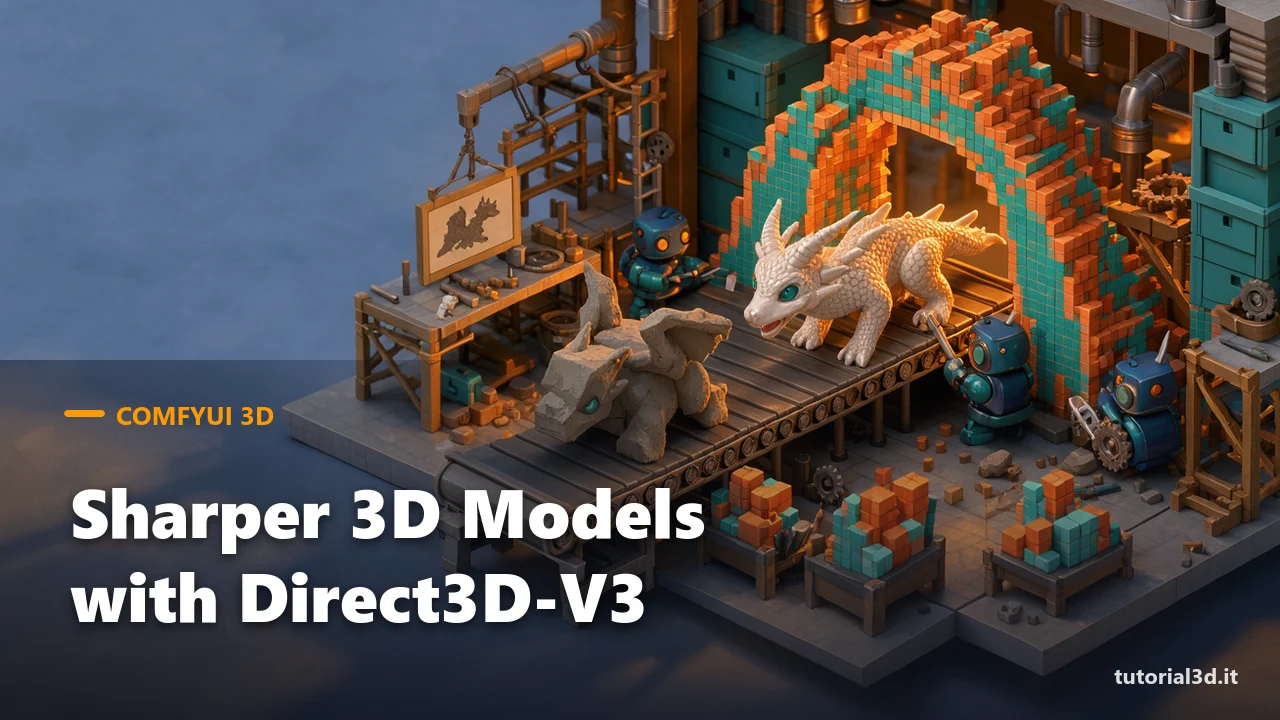
Direct3D-V3 in ComfyUI takes a rough 3D model, the lumpy, blobby kind that image-to-3D generators spit out, and rebuilds it with much finer detail: scales, folds, sharp edges. DreamTech released the code and weights on November 19 under the MIT license, and on November 22 a community developer published a ComfyUI node pack for Windows.
Here's how we see it. Anyone who does motion graphics or 3D knows the problem: models generated from a photo are fine for a draft, but as soon as the camera gets close they look like melted modeling clay. Direct3D-V3 tackles exactly that, and community numbers point to about 6 GB of video memory, so it's within reach of an RTX 3060 with 12 GB like ours. There's a catch, though: Direct3D-V3 doesn't create the model from scratch, it improves it. And the two generators the project recommends for the base mesh have a license that excludes the European Union. Below you'll find what it does, what you need and which route to take if you work from the EU.
| What it is | A model that refines a rough 3D mesh using a reference image (photo, normal map or "white clay" render) |
| Who made it | DreamTech (DreamTechAI), paper accepted at SIGGRAPH Asia 2026 |
| Video memory required | not stated by the authors; community tests: about 6 GB peak at 1536 resolution |
| Does it run on an RTX 3060 12 GB? | on paper yes (the nodes were tested on an 8 GB laptop GPU); we haven't tried it yet |
| License | MIT (code and weights) |
| Commercial use from Italy | yes for Direct3D-V3; watch the license of the model you use for the starting mesh |
| Where to download it | GitHub DreamTechAI/Direct3D-V3, Hugging Face wushuang98/Direct3D-V3, Windows nodes on GitHub Mstafa-awad/Direct3D-V3_Comfyui_Nodes |
| Free or paid | free, runs on your PC |
What is Direct3D-V3 and what does it do differently?
Direct3D-V3 is a 3D model "refiner": you give it a rough mesh (OBJ, GLB or PLY) and an image of the object, and it rebuilds the surface with more detail, up to a grid of 1536 voxels per side (voxels are the "pixels" of 3D, small cubes in space). The result comes out as GLB or OBJ.
The technical difference is in how it works. Most 3D generators compress the shape into a smaller space with a VAE (the part that encodes and decodes the data), and that's where small details get lost. According to the project page, Direct3D-V3 skips the VAE and works directly on the voxel shape, with a first pass for the silhouette and a second for the fine detail. The authors say the released version is better than the one described in the research paper.
What it doesn't do: textures. You get a grey model that you color or texture afterwards. The texture model and the one for creating the rough mesh are on the "coming" list in the official repository, along with the training code.
How do you use Direct3D-V3 in ComfyUI?
For now you need an external node pack; there's no native support. MostAadTech published it on November 22 on GitHub, and it's Windows only. You install it by hand:
- download one of the two ZIPs: cu128 (Python 3.12, PyTorch 2.8) or cu130 (Python 3.13, PyTorch 2.12.1, needs a recent driver with CUDA 13.5);
- extract the ComfyUI-Direct3D-V3 folder into ComfyUI/custom_nodes;
- request access to the DINOv3 ViT-H+ model on Hugging Face (it's "gated": you have to accept Meta's terms with your account);
- run setup.cmd from the node folder: it creates a separate Python environment and downloads PyTorch, DINOv3 and the 1536 checkpoint;
- restart ComfyUI.
In the workflow, the "Refine (Mesh File, Low VRAM)" node asks for three things: the path to the rough mesh, the reference image and a mask (white on the object, black on the background). The author suggests starting at 1536 resolution with a single stage. If a node stays red after the restart, our guide to ComfyUI errors has the checks to run.
A tip on the image: the official README suggests a normal map (an image that encodes the surface angle as colors) or a "white clay" render instead of a color photo. The reason is simple: without colors and reflections the model reads the shape better.
How much VRAM does Direct3D-V3 need?
The authors don't say: they only tell you to lower the max_tokens parameter (150,000 by default) if you run out of memory. The numbers we have come from the community, collected by ComfyUI Wiki. MostAadTech measured a 6,008 MB peak at 1536 resolution, and a full dragon took 9 minutes and 56 seconds. Kijai, one of the best-known node developers, reports a peak of about 4.9 GB. So on 12 GB there's headroom, and for smaller cards the nodes offer the 512 and 1024 stages.
The bigger worry is the size of the files it produces. The default setting targets 2 million triangles, and one test came out at 8.3 million triangles. For animation or motion design that's too much: you'll need to cut it down with a decimate or a retopology in Blender. We also covered tools for lightening meshes in our article on 3D remeshing ten times faster in ComfyUI.
Where do I get the rough mesh if Hunyuan3D can't be used in the EU?
From Italy or anywhere in the EU, the cleanest route is TRELLIS.2 (MIT license), which runs in ComfyUI without external nodes. The problem comes from the Direct3D-V3 README, which suggests Hunyuan3D-2.1 or UltraShape-1.0 for the starting mesh. The Hunyuan3D-2.1 license states plainly that it doesn't apply in the European Union, the United Kingdom and South Korea, and UltraShape-1.0 carries the same Tencent text. So if you work from there, you're not covered.
TRELLIS.2 and Pixal3D have been native in ComfyUI since late August (you need at least version 0.34.0), with the "Pixal3D & TRELLIS.2: Image to Model" template. The Comfy blog explains that the built-in version dropped the non-commercial dependencies and that everything can be used for work too. For TRELLIS.2, the MIT license is written in Microsoft's repository. For Pixal3D we couldn't find the license text, only the blog's statement: if you're working for a client, check first. If you're interested in 3D from a single photo, we also wrote about Idol, which creates 3D objects from an image with 8 GB, but it produces gaussian splats (clouds of colored points), not meshes.
Try it now
If you want to try it, this is the path we'd follow:
- update ComfyUI and open the "Pixal3D & TRELLIS.2: Image to Model" template; for TRELLIS.2, set the "Switch to Trellis2" node to true;
- start with a simple object on a clean background (a character, a vase, a figurine): the GLB file ends up in ComfyUI/output/3d/;
- prepare the same image as the reference, with the object's mask;
- feed the mesh, image and mask to the Direct3D-V3 node, first at 1024 to see the timing, then at 1536;
- open the result in Blender, compare it with the rough mesh and reduce the polygons before using it in a scene.
Our take: for still life, objects for a video or background props, it's worth it, because the jump from rough mesh to refined mesh is exactly what was missing. For client work we'd wait a few days: the Windows nodes are new and the author notes that the latest builds still need proper testing.
Other news
- MOSS-Image in 4 steps: a community LoRA (Apache 2.0, 595 MB) takes MOSS-Image SFT from 50 steps to 4 with CFG 1. In ComfyUI it needs the manual sigmas listed on the model card; ready-made workflows are included.
- ComfyUI 0.46.1 and 0.46.2: on November 19 and 20 came the Tripo Smart UV node, which redoes the UV unwrap while keeping rig and animation, Kling 4.0 in 4K and HDR, and a fix for 96 kHz audio (changelog).
- H3-Tiny: on November 21 a version cut down to 17 and 14 billion parameters of MiniMax H3 came out, and it loads in the standard nodes. The MiniMax H3 license still applies, and it excludes the EU.
Frequently asked questions
Does Direct3D-V3 create a 3D model from a single photo?
No, not on its own. It needs a rough starting mesh plus the reference image. DreamTech hasn't released its own rough-mesh model yet, so the base has to come from another generator, for example TRELLIS.2 in ComfyUI.
Can I use Direct3D-V3 for commercial work?
Yes, the code and weights are MIT licensed, which allows commercial use, from Italy too. But check the license of the model you use for the starting mesh: Hunyuan3D-2.1 excludes the European Union, while TRELLIS.2 is MIT. Meta's DINOv3 also has its own terms of use, which you accept on Hugging Face.
Does it work on Mac or Linux?
The official code is built for Linux with CUDA 13.0 and an NVIDIA card, and you use it from the command line or a small web interface. The ComfyUI nodes, on the other hand, are Windows only. There's no Mac support, because it needs CUDA and an NVIDIA card.
Does the output model already have textures?
No, you only get the shape, without colors. The texture model has been announced but not released yet. In the meantime you can texture in Blender or Substance, or try the 3D nodes already in ComfyUI, such as UltraTex for texture rebaking.
If you want our free ComfyUI workflows and the tests we run on a 12 GB card, you'll find everything in the ComfyUI section and on the @tutorial3d YouTube channel. If you work with Blender, take a look at what's new in Blender 5.3 too.