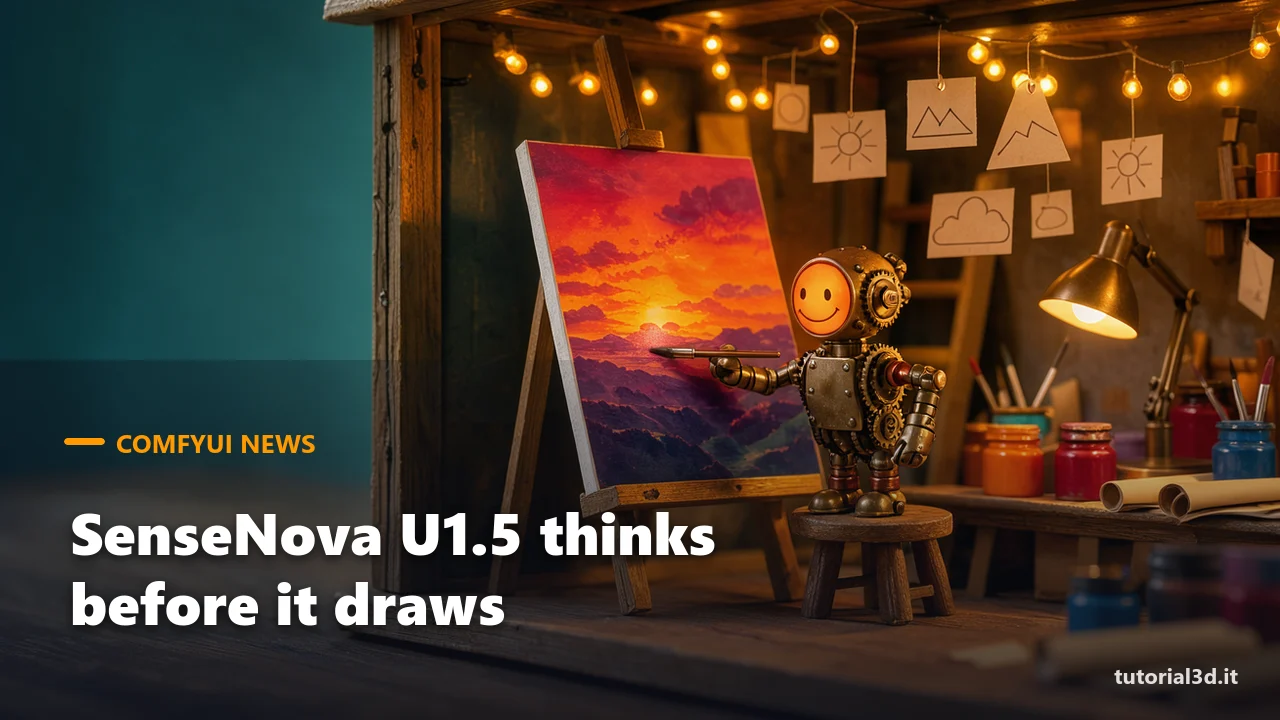
SenseNova U1.5 in ComfyUI does something image generators usually don't: before drawing, it writes out its reasoning about what has to be in the scene, then it generates the image. On November 17 the ComfyUI team merged the nodes for this "thinking" mode, for interleaved text-and-image generation and for self-correction, and version 0.46.0 on November 18 brought them to everyone. On November 19 SenseTime also published the 8-step LoRA already converted for ComfyUI.
Here's how we see it, up front. The model is free, it's under the Apache 2.0 license (so you can use it for client work, from Europe too) and it handles both images up to 4K and edits with up to 10 reference images. But it's heavy: the ComfyUI file weighs 35 GB, and SenseTime recommends 24 GB of VRAM and 64 GB of RAM. We work on an RTX 3060 with 12 GB and 32 GB of RAM, and looking at the numbers, we wouldn't even try the official file. Below you'll find what actually changed, what you need and which route is left if your card is smaller.
| What it is | A "unified" model that understands and generates images: text-to-image up to 4K, editing with words, editing with 1-10 reference images, interleaved text and images |
| Who made it | SenseTime (China), OpenSenseNova project |
| VRAM required | SenseTime recommends 24 GB of VRAM and 64 GB of system RAM |
| Does it run on an RTX 3060 12 GB? | not stated; with the official 35 GB BF16 file and 32 GB of RAM, no. Community GGUF versions exist, not tested by us |
| License | Apache 2.0 (model, LoRA and code) |
| Commercial use from Italy/EU | yes, Apache 2.0 sets no commercial or geographic limits |
| Where to download it | Hugging Face: sensenova/SenseNova-U1.5-8B-MoT (original), t8star/SenseNova-U1.5-Comfy (single file for ComfyUI), sensenova/SenseNova-U1.5-8B-MoT-LoRAs (8-step LoRA) |
| Free or paid | free, it runs on your PC |
What is SenseNova U1.5, and what does it mean that it "reasons" before drawing?
SenseNova U1.5 is a model that reads and generates images with the same network, instead of using a separate language model to understand the prompt. SenseTime released it on August 20 under Apache 2.0 and describes it in the official Hugging Face model card: native 4K generation, photo editing with words, editing with several reference images, boxes and visual marks to point at the area to change. The name says "8B", but the card lists 18 billion parameters in BF16 (a 16-bit format, full quality): that's the number that matters for memory.
The "reasoning" works like this. In thinking mode the model first writes a text that clarifies the request (what's in the scene, where, with what light), then generates the image from it. In practice it's a prompt that rewrites itself, handy when the request is long or full of details. Interleaved generation goes further: the model writes a paragraph, at some point asks for an image, ComfyUI generates it and hands it back, and the text continues. What comes out can be a storyboard or an illustrated tutorial in a single pass.
What changed in ComfyUI with version 0.46.0?
Basic support for SenseNova U1.5 has been there since September: version 0.35.0 on September 9 added it (generation and editing with a single file loaded through the regular Load Checkpoint). The news is pull request #16032, merged on November 17 and listed in the official v0.46.0 changelog. It adds three nodes:
- Generate SenseNova Text (TextGenerateSenseNova): writes the reasoning or the next chunk of text and signals when an image needs to be generated;
- SenseNovaInterleaveDecode: separates text, images and reasoning at the end of an interleaved generation;
- ModelSamplingSenseNova: sets the sampling "shift" (the node used to be called SenseNovaSamplingOptions, so older workflows need to be reconnected).
For regular text-to-image and edits you don't need the text node: KSampler and VAE Decode are enough, as usual. Self-correction, where the model looks at the result and retouches it, is meant for compatible U1.6 checkpoints according to the pull request, so don't count on it with U1.5.
How much VRAM does SenseNova need in ComfyUI?
The official OpenSenseNova repository says to plan for 24 GB of video memory, 64 GB of RAM and about 35 GB of disk. In their RTX 5090 tests, the RAM used by the process peaked at around 52 GB. The ComfyUI files tell the same story:
- SenseNova-U1.5-8B-MoT-BF16-T8.safetensors: 35.1 GB, the recommended checkpoint, goes in models/checkpoints;
- SenseNova-U1.5-8B-MoT-LoRA-8step-V2-ComfyUI.safetensors: 815 MB, the 8-step LoRA, goes in models/loras.
With 32 GB of RAM, a 35 GB file doesn't even fit in system memory, let alone on a 12 GB card: ComfyUI would have to lean on the disk's page file and render times would become unmanageable. If you try anyway and ComfyUI freezes, our ComfyUI errors guide explains what to do when memory runs out. On Hugging Face there are GGUF versions (compressed, lighter files with a small quality loss) uploaded by the community, for example realrebelai/SenseNova-U1.5-8B_GGUFs, but they work with the external "SenseNova U1.5 (T8)" node pack, not with the native nodes. We haven't tried them and don't know how they behave with thinking and interleave: if you have 12 GB, it's the only route worth attempting.
What is the 8-step LoRA for?
It lets you generate in 8 steps instead of 50. The LoRA (a small file that changes how the model behaves without replacing it) is "distilled", meaning it's trained to reach, in a few steps, a result close to the full one. SenseTime published the first version on August 20 and V2 on September 24, with more balanced color and contrast and less artificial sharpening. On November 19 the version with keys in ComfyUI's format landed in the LoRA repository: according to the card it requires v0.46.0 or later and was validated with the 35.1 GB BF16 checkpoint.
The recommended settings are simple: Load LoRA (Model Only) node, strength 1, CFG 1, 8 steps. Without the LoRA, the t8star repack card suggests 50 steps, CFG 4, shift 3, euler sampler and normal scheduler. The time saved is big, even though SenseTime doesn't publish exact ComfyUI timings.
Is it worth trying for client work?
Yes, if you have a 24 GB card and 64 GB of RAM. Apache 2.0 is the most worry-free license for working creatives: no exclusion for the European Union, unlike MiniMax H3, and no revenue thresholds. Thinking helps when prompts are long, like describing a scene with several characters or a product with precise details. Native 4K saves you an upscale pass.
With 12 or 16 GB, for now we'd stick with models built for smaller cards: to edit photos with words, MOSS-Image Edit runs on 8 GB, and our guide to image models in ComfyUI sorts the alternatives by video memory. We'll keep an eye on SenseNova for when lighter versions compatible with the native nodes come out.
Try it now
If you have the right hardware, these are the steps to get started with the native nodes:
- Update ComfyUI to v0.46.0 or later (if you're new to it, our ComfyUI beginner's guide explains how to update).
- Download SenseNova-U1.5-8B-MoT-BF16-T8.safetensors from t8star/SenseNova-U1.5-Comfy and put it in models/checkpoints.
- Download SenseNova-U1.5-8B-MoT-LoRA-8step-V2-ComfyUI.safetensors and put it in models/loras.
- Grab the example workflows from the OpenSenseNova/SenseNova-U1 repository, folder apps/comfyui/example_workflows: there's text-to-image, text-to-image with thinking, editing, editing with thinking and interleave.
- Start from 1536×2720 or 2720×1536 (the recommended 9:16 and 16:9 sizes) with the LoRA at strength 1, CFG 1 and 8 steps; switch to the thinking workflow only when the prompt is long.
Other news
- pi-H3 1.0 (November 21): 2- and 4-step adapters for MiniMax H3 video, with ComfyUI-piFlow nodes, by Hansheng Chen and colleagues from Stanford and Luma AI. Careful: MiniMax H3's terms apply, and they exclude the European Union. Model card on Hugging Face.
- ComfyUI v0.46.0 drops DirectML (November 18): the --directml option is gone, so anyone running ComfyUI on Windows with AMD or Intel cards through DirectML shouldn't update blindly. Changelog.
- Native Video Deflicker: the same version adds the node that removes flicker from videos, which we covered in our article on removing flicker from AI videos in ComfyUI.
Frequently asked questions
Can SenseNova U1.5 be used for commercial work in Europe?
Yes. The model, the LoRA and the code are under Apache 2.0, which allows commercial use with no geographic limits. You only need to keep the license notice if you redistribute the files. The images you generate are yours to use, as with any Apache 2.0 model.
Do you need an external node pack to use SenseNova in ComfyUI?
No, since v0.46.0 text-to-image, editing, thinking and interleave use native nodes. External packs also exist (the official ComfyUI-SenseNova-U1 and "SenseNova U1.5 (T8)"), useful mainly if you want to load the community GGUF files.
What's the difference between SenseNova U1.5 and U1.5 TailSteer?
TailSteer, released by SenseTime on November 4, is a full checkpoint trained to keep the image stable when you edit it several times in a row. For single images and simple edits the regular U1.5 model is enough, and it's also the one the 8-step LoRA was validated with.
Does thinking make images slower?
Yes, somewhat: before the image, the model generates the reasoning text, and that takes extra time. SenseTime doesn't publish ComfyUI timings. Our advice is to use it only with long or complex prompts, where a request clarified up front really makes a difference.
If you want our free ComfyUI workflows and tests run on a 12 GB card, you'll find everything in the ComfyUI section and on the YouTube channel @tutorial3d.